


5 signs it’s time to upgrade your 3D printer
Published On 11 May, 2026
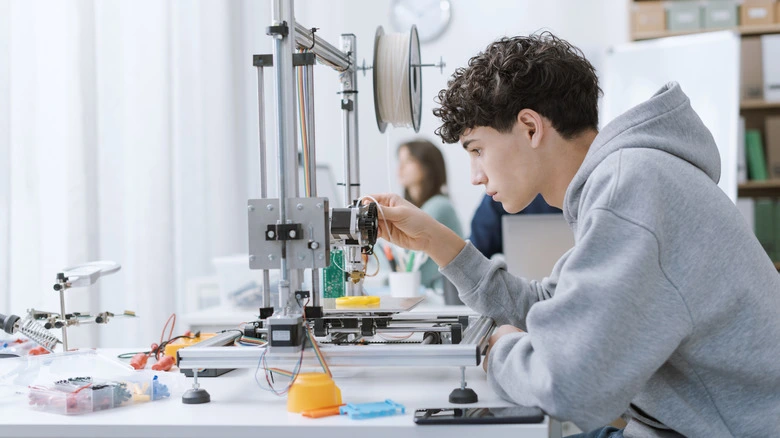
Because 3D printers rely on multiple moving parts and precise programming, even a small issue can create bigger operational problems. While regular maintenance and replacing minor components can help extend a printer’s life, experts say some recurring issues may signal it is time for a replacement.
Low-quality prints are among the clearest signs that something may be wrong with a 3D printer.
Occasional print failures are normal, especially when testing a new design. In many cases, simple fixes such as leveling the print bed, cleaning the nozzle, or adjusting temperature and speed settings can improve the results.
The real concern begins when print quality remains poor despite repeated adjustments and maintenance.
Experts say that if replacing worn belts, unclogging nozzles, and changing print settings still fail to solve the issue, a major internal component may have suffered irreversible damage. Testing an older design that previously printed successfully can help determine whether the issue lies with the printer itself.
Printing jobs are taking much longer than usual
3D printing is naturally a slow process, especially for large or detailed objects. However, unusually long print times may point to deeper mechanical problems.
Simple objects often take around an hour to print, while more complex builds can require several days. If jobs suddenly begin taking far longer than expected, clogged or worn-out components may be slowing the machine down.
Experts recommend trying a simpler design or reducing infill complexity to test the printer’s performance.
If the printer still struggles to complete jobs within a reasonable timeframe, internal wear or damaged parts may be affecting its efficiency.
The Printer Frequently Freezes or Stops Mid-Print
A printer completely freezing during a print job is considered a serious warning sign.
While temporary pauses can happen if the printer runs out of filament or experiences a minor clog, repeated freezing and failed prints may indicate severe internal degradation.
Mechanical issues such as overheating motors or blocked extruders are often behind these failures.
Although occasional issues can sometimes be fixed with maintenance, experts warn that repeated freezing despite repairs may mean critical parts are close to breaking down permanently.
You are replacing parts too often
Replacing worn-out parts is a normal part of owning a 3D printer. Components such as nozzles, belts, drive gears, and motors naturally wear out over time.
However, experts say frequent repairs can become a sign of larger underlying problems.
If newly installed parts continue to fail quickly, it could mean the printer’s core systems are degrading and damaging replacement components.
At a certain point, the cost of constant repairs may exceed the price of buying a new machine, making replacement the more practical option.Even if an older printer still functions, aging hardware can struggle to keep up with modern technology.
New advancements in 3D printing include updated software, advanced slicers, and improved filament materials. Older printers may no longer support these upgrades properly.
Experts note that printers more than 10 years old are more likely to experience compatibility issues, strange noises, and vibrations caused by years of wear.
Trying to force outdated hardware to work with newer materials or software can place additional strain on aging components, accelerating the printer’s decline.